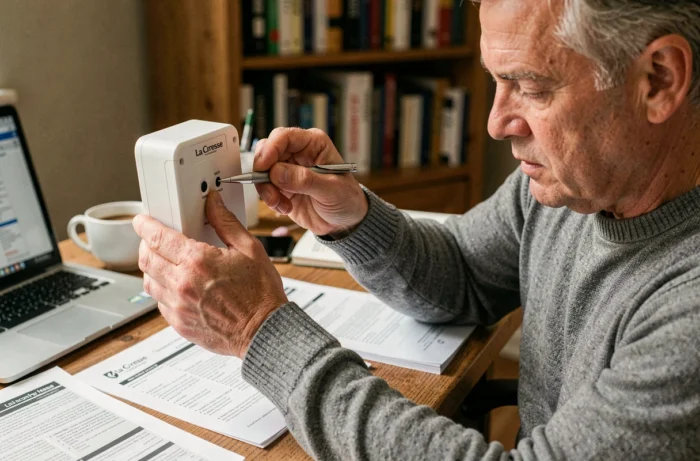
A La Crosse Technology weather station displaying inconsistent data, a silent outdoor sensor, or a clock off by several hours: these symptoms drive most users to perform a reset. The process seems simple, but success depends less on the action itself than on what surrounds it, particularly the type of batteries, the actual waiting time between each step, and the behavior of the station after being powered back on.
Capacitors and residual discharge: what the reset button alone cannot clear
On most La Crosse Technology stations, a reset button is located at the back of the base. A paperclip is sufficient to press it. Where the procedure falters is that this action does not cut off all the stored energy in the device.
The internal circuits contain capacitors that retain a residual charge for several minutes after the batteries are removed or the power adapter is unplugged. Powering the device back on too soon means restarting the station with remnants of the old configuration still in memory, leading to display errors or a failure to synchronize with the sensor.
Support documents published after 2022 recommend a waiting period of ten to fifteen minutes without any power source before reinserting the batteries. This duration, rarely mentioned in quick tutorials, allows the capacitors to fully discharge and the volatile memory to reset to zero.
Before resetting a La Crosse Technology weather station, it is better to simultaneously remove the batteries from both the base and the outdoor sensor, then wait this unavoidable quarter of an hour. Shortening this delay is the primary cause of failure reported on technical forums.
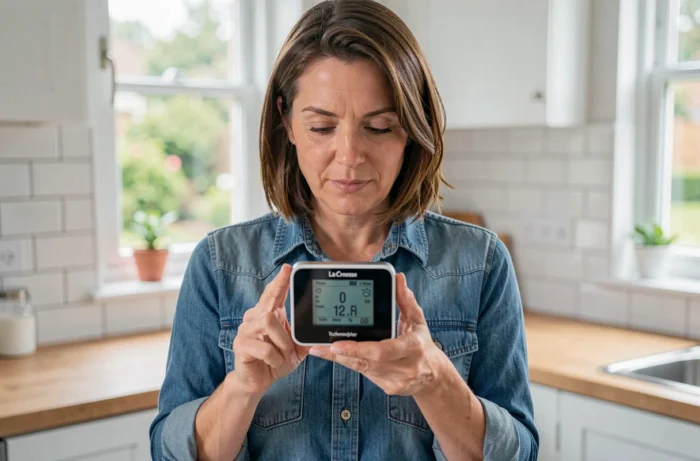
Resetting a radio-controlled La Crosse Technology station: time resynchronization
Models equipped with a radio-controlled receiver (DCF77 signal in Europe) add an additional constraint. After a complete reset, the station seeks to capture the time signal to recalibrate its clock. This signal is continuously emitted, but its reliable reception depends on the time of day and the electromagnetic environment.
Manually forcing the time right after a reset causes subsequent drifts. The station then retains an internal offset between the time entered by the user and the radio signal received later, leading to erratic corrections. The best practice is to let the device calibrate itself overnight, when interference is minimal.
Order of powering on the sensor and the base
First, insert the batteries into the outdoor sensor, wait for it to emit its first signal (usually indicated by a blinking LED), then power the base. This order allows the station to detect the sensor as soon as it starts up, without needing to initiate a manual search.
- Remove all batteries (base and sensor) and unplug the power adapter if there is one
- Wait at least ten minutes for a complete discharge of the capacitors
- Insert new batteries into the outdoor sensor first, then wait one to two minutes
- Power the base and briefly press the reset button with a paperclip
- Do not adjust the time settings: allow the radio synchronization to occur overnight
Batteries and corrosion: the failure factor that step-by-step guides overlook
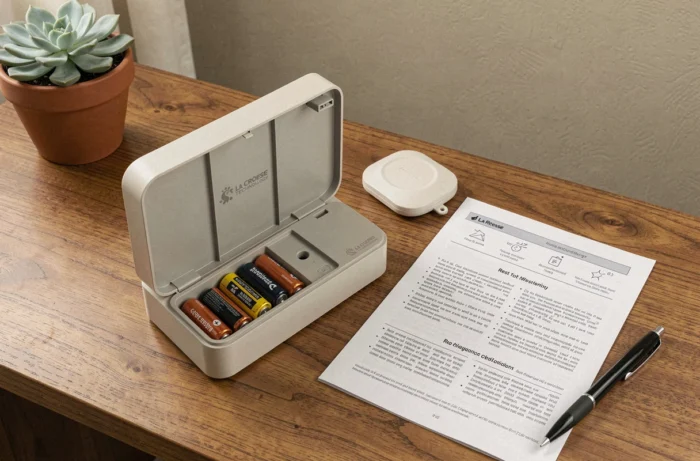
Feedback from technical forums since 2023 indicates an increase in problems related to repeated resets on stations powered by cheap alkaline batteries. Each cycle of removing and reinserting the batteries accelerates the oxidation of the contacts, especially in the outdoor sensor exposed to temperature and humidity variations.
After several resets, dirty contacts create micro-power cuts. The station interprets these cuts as signal loss from the sensor, displays dashes instead of the outdoor temperature, and prompts the user for another reset, perpetuating a vicious cycle.
Switching to brand-name alkaline batteries or lithium AA batteries for the outdoor sensor significantly reduces this phenomenon. Lithium batteries better withstand thermal fluctuations and maintain a more stable voltage over time, which limits false contacts and unnecessary resets.
Clean the contacts before each reactivation
A cotton swab soaked in white vinegar is sufficient to remove the greenish oxidation marks on the battery compartment terminals. Then dry with a dry cotton swab before inserting new batteries. This action, performed systematically before a reset, improves the reliability of the reconnection between the sensor and the base.
Connected La Crosse Technology stations: software reset via the app
Recent models from La Crosse Technology (especially those in the connected range) use a mobile app, often based on the Tuya Smart or Smart Life platform. For these stations, the physical reset does not reset the Wi-Fi settings or Bluetooth pairing.
The complete procedure goes through the app: removing the device from the app, performing a physical reset of the base, then re-pairing from scratch. Skipping the removal step in the app leaves a “ghost” of the old device in the cloud, blocking the new pairing or generating data duplicates.
This point is hardly mentioned in general content focused on the physical manipulations of the base and sensor. Users who own a connected model and limit themselves to removing the batteries often find that the station retrieves its local data but no longer reconnects to the Wi-Fi network.
- Open the app (Tuya Smart, Smart Life, or the La Crosse Technology app depending on the model)
- Remove the device from the account before proceeding with the physical reset
- Perform the complete physical reset (batteries, wait, power on)
- Restart the pairing process from the app by following the on-screen instructions
The reset of a La Crosse Technology station hinges on details that the manual summarizes in two lines: the capacitor discharge time, the sensor-then-base order, the quality of the batteries, and for connected models, the prior removal in the app. A single well-executed reset replaces a dozen hasty attempts.