
LogisFil is a remote management portal used by home care organizations to digitally record each intervention with a beneficiary. The beneficiary space allows for viewing validated visits, actual times, and the type of service provided. Understanding the access logic and rights segmentation on this portal avoids most of the blockages encountered during the first login.
Access Rights and Traceability on the LogisFil Portal
The LogisFil portal distinguishes several profiles: beneficiary, caregiver, and managing organization. Each profile has a specific login URL, identifiable by a different parameter in the address (the type varies according to the role). Mistaking the login page is one of the most common causes of authentication failure.
Regarding traceability, each login is timestamped. The portal retains the date and time of access, the profile used, and the data viewed. This logging is not trivial: it guarantees funders (departmental council, pension fund) that the information transmitted has not been altered outside the intended circuit.
A rarely discussed point concerns the minimization of data shared with funders. The home care organization only transmits validated hours and the type of service to the paying bodies, not the entire browsing history of the beneficiary on the portal. To better understand each screen after your authentication, a detailed guide allows you to access your beneficiary space Logisfil.fr by following the step-by-step progression.
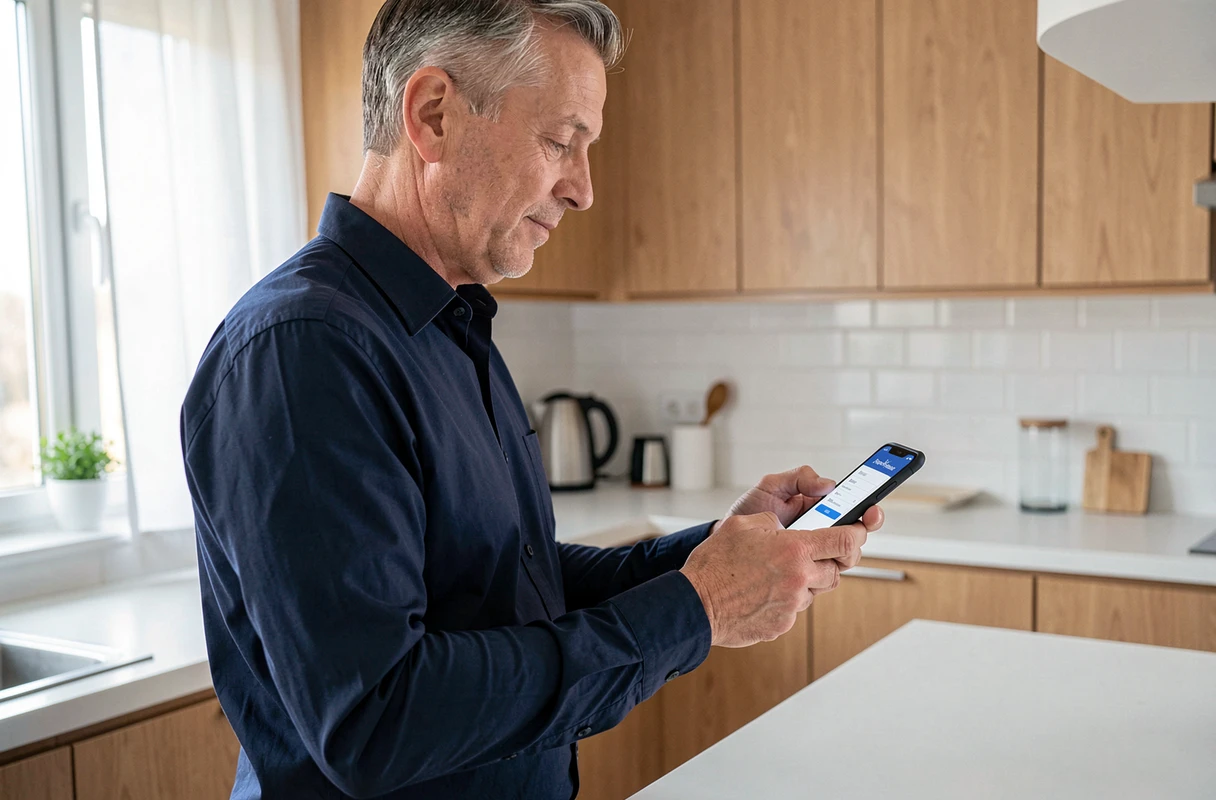
LogisFil Beneficiary Identifier: Where to Find It and How to Use It
The beneficiary identifier is not chosen by the user. It is assigned by the home care organization and is usually found on invoices or welcome letters provided at the start of care. It is the only reliable source for retrieving this code.
The default password corresponds to the beneficiary’s date of birth in the format YYYYMMDD (four-digit year, month, day). Typing “15031942” instead of “19420315” for a person born on March 15, 1942 will systematically result in rejection. This reversed format compared to French habits is the primary source of reported errors.
Technical Blockages Related to the Browser
LogisFil uses a web interface that requires cookies to be enabled. Ad blocker or tracker extensions may prevent the complete loading of the authentication page.
- Check that third-party cookies are not blocked in the browser settings, or add logisfil.fr as an exception
- Temporarily disable privacy protection extensions (uBlock Origin, Privacy Badger) if the login page remains blank
- Prefer an updated browser: outdated versions of Internet Explorer are no longer compatible with most remote management portals
LogisFil does not offer any automatic procedure for recovering identifiers. In case of loss, you must contact the managing organization directly. No “forgot password” link is available on the portal.
Securing LogisFil Access as a Family Caregiver or Guardian
A family caregiver or legal guardian may need to consult the beneficiary space to verify the regularity of visits or prepare a renewal aid file. The central question is to allow this access without compromising the portal’s traceability.
Logging in with the beneficiary’s credentials is technically possible, but each session will be recorded as if the beneficiary themselves had consulted their data. In case of a dispute over an intervention or a schedule, this lack of distinction between the beneficiary and their caregiver weakens the proof.
Requesting Dedicated Access Through the Organization
Some home care organizations provide the possibility of creating a separate access for a family caregiver or a judicial representative. This secondary profile may be limited to viewing interventions, without modification rights on the schedule or personal data.
- Contact the organization by mail or phone, specifying the legal status of the requester (family caregiver, guardian, curator)
- Provide proof of the protective measure if a guardianship or curatorship is in place
- Explicitly request a read-only profile to avoid any accidental modification of the beneficiary’s data
- Keep a written record of the request, which will serve as proof in case of a check by the funding body
This process protects both the beneficiary and the caregiver. The portal keeps a distinct record of consultations, which preserves the traceability required by funders.
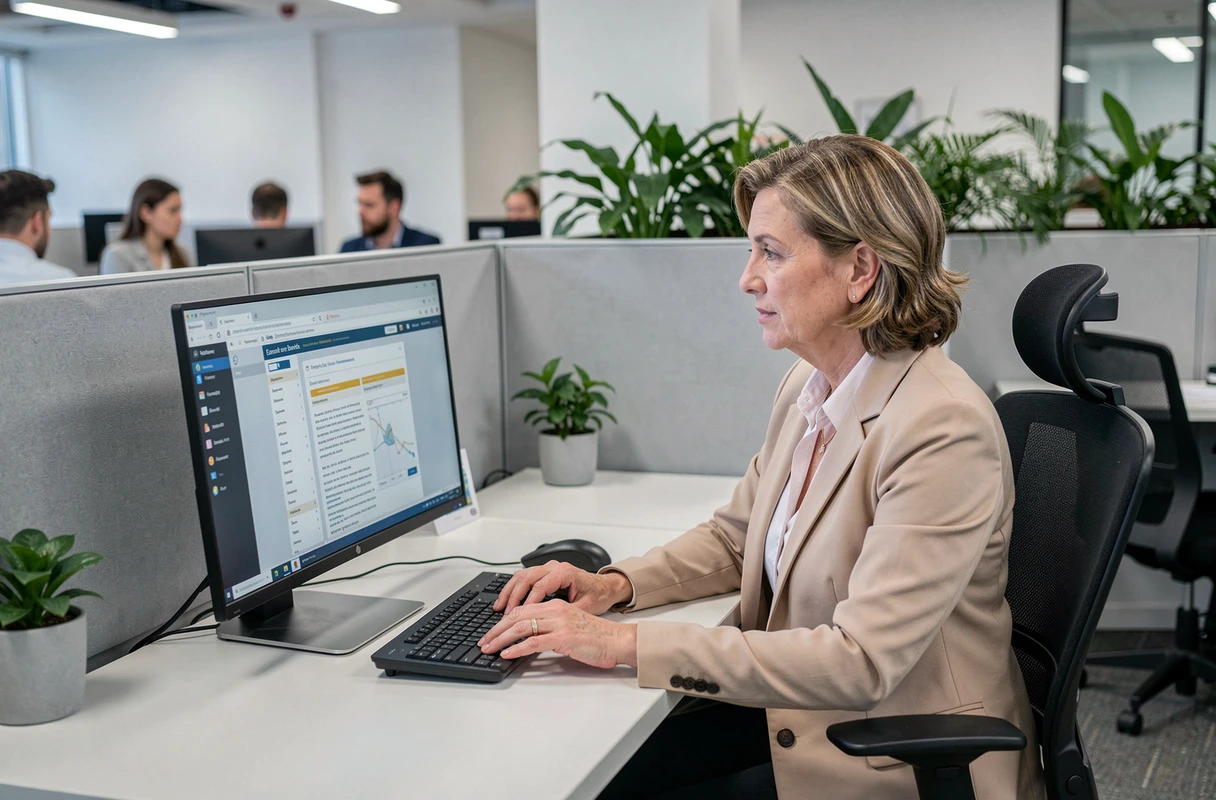
Validated Interventions in the Beneficiary Space: Reading and Verification
Once logged in, the main screen displays the list of interventions validated by remote management. Each line indicates the date of the visit, arrival time, departure time, and the nature of the service (household help, accompaniment, bathing).
These data replace the old handwritten visit sheets. Their reliability is based on the digital check-in performed by the caregiver at the beneficiary’s home, usually via a device or a dedicated application.
Regularly checking these lines allows for spotting an anomaly: an unrecorded visit, an inconsistent schedule, or an absent service. Quickly reporting a discrepancy to the organization prevents it from appearing in the billing sent to the funder. The correction timeframe varies by organization, but the quicker the claim, the simpler the processing.
The LogisFil beneficiary space remains a consultation tool, not a management tool. Any modification of the schedule or service goes through the home care organization. Maintaining this habit of regular verification, especially when a caregiver is monitoring from a distance, transforms the portal into a true control tool for the service rendered.